Before you start
- • Know your exact model (e.g. SM-A705MN) and region/CSC (e.g. XSP)
- • Backup important data — flashing can wipe the device
- • Charge the phone to at least 50%
- • Install Samsung USB Drivers on Windows
- • Use a good quality data USB cable
1. Download the Binary
Get the latest prebuilt executable for your OS from the Download page. Place it in a folder you can access from the terminal.
Windows: use PowerShell or Command Prompt. Linux/macOS: use Terminal and run chmod +x samloader.
2. Open a Terminal as Admin (Windows)
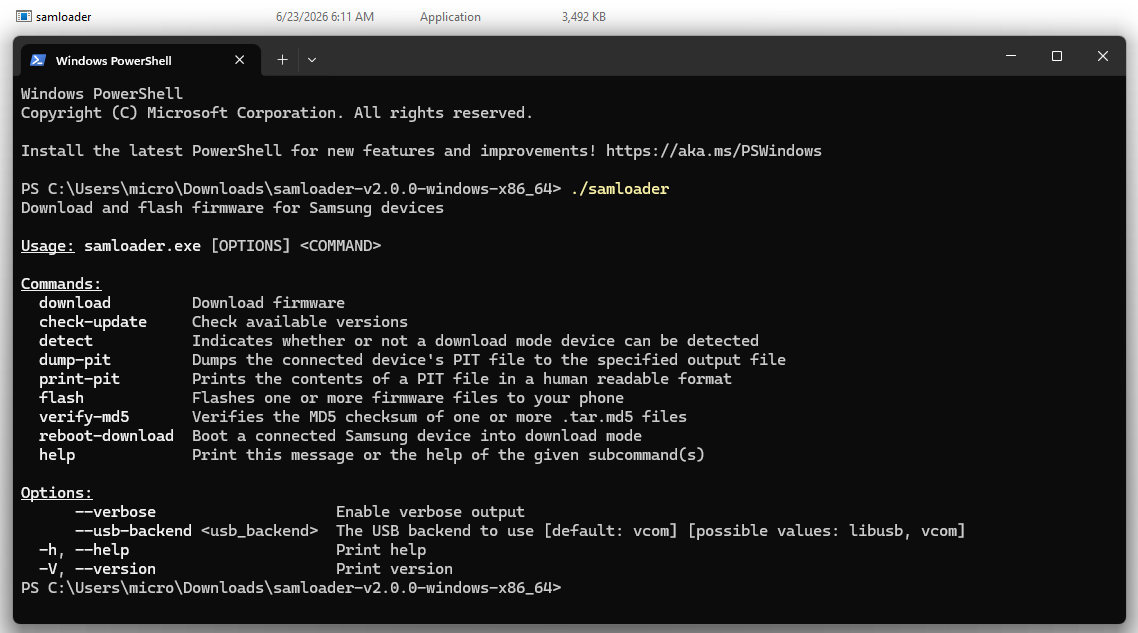
Right-click PowerShell → Run as Administrator. Change directory to the folder containing samloader.
cd C:\path\to\samloader-folder
.\samloader.exe --help3. Check Available Firmware

Replace the model and region with your device values.
.\samloader.exe check-update --model SM-A705MN --region XSPOn Linux/macOS omit .\ and use ./samloader.
4. Download Firmware (Auto Decrypt)
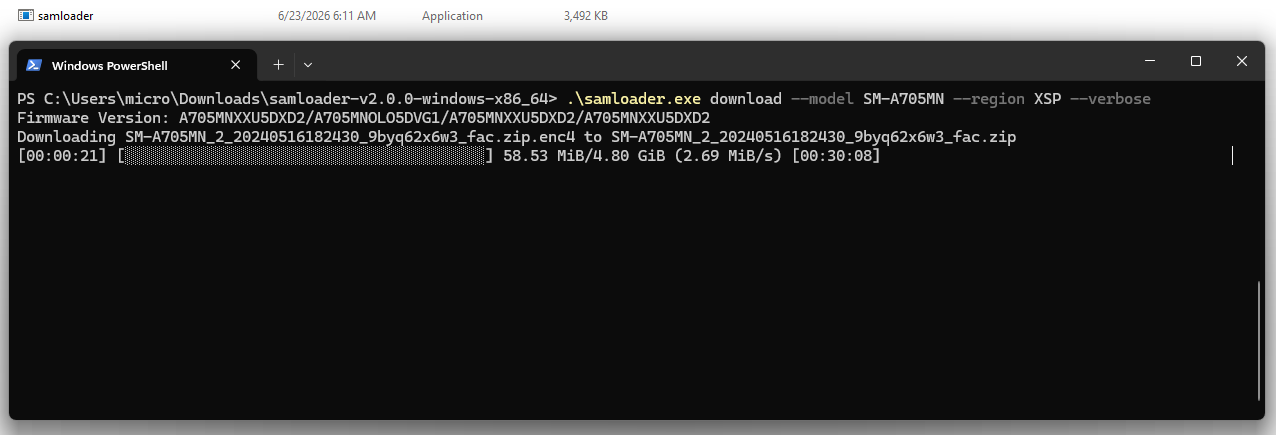
samloader downloads and decrypts on the fly. Large packages can take time; resume is supported if interrupted.
.\samloader.exe download --model SM-A705MN --region XSP --verbose5. Verify MD5
Always verify the downloaded package before flashing.
.\samloader.exe verify-md5 path\to\firmware.tar.md56. Detect Device
Boot the phone into Download Mode and connect USB. Then run:
.\samloader.exe detectDownload Mode: power off → hold Vol Down + Power (or Vol Down + Vol Up + Power) while plugging USB → confirm with Vol Up.
7. Flash Firmware
Flash only the correct firmware for your model. Do not disconnect the cable during the process.
.\samloader.exe flash path\to\firmware.tar.md5 --usb-backend libusbFirst boot after a full flash can take several minutes. Do not force-restart the device.
Tips
- • Use
--helpon any command for options - • Region codes are CSC codes (e.g. XAA, XSP, BTU, INS)
- • Prefer official/stock firmware matching your binary version
- • If detect fails: try another cable, USB port, or reinstall drivers
Safety
- Backup your data — flashing can wipe user data
- Flash only the exact model + compatible binary
- Wrong firmware or interrupted flash can brick the device
- Use at your own risk on devices you own